




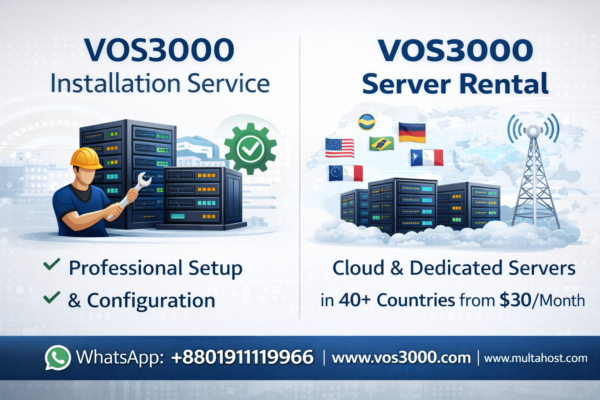
Professional VOS3000 installation service since 2006. One-time setup for all versions including 2.1.8.05 & 2.1.9.07. Complete security hardening, firewall config & optimization included.
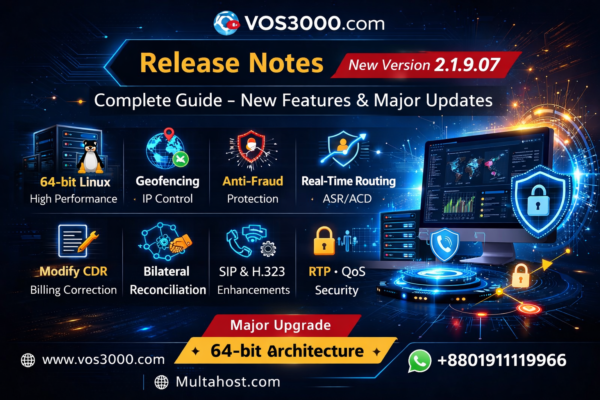
VOS3000 2.1.9.07 更新说明 – 完整功能升级对比 2.1.8.05 important
完整 VOS3000 2.1.9.07 更新说明,对比 2.1.8.05 版本新增功能,包括反欺诈系统、地理围栏、SIP增强、实时路由优化、计费精度控制、64位Linux架构升级等全部技术改进。
VOS3000 2.1.9.07 Release Notes – Complete Important Features Upgrade from 2.1.8.05/2.1.8.0
Complete VOS3000 2.1.9.07 Release Notes based on official user manuals comparison with 2.1.8.05 including all new features, SIP options, routing updates, billing upgrades, geofencing, security enhancements and 64-bit backend improvements.
VOS3000 Buying Guide – Important Things to Know Before You Buy or Rent VOS3000
Before buying or renting VOS3000, read this expert VOS3000 Buying Guide covering vendor selection, security risks, pricing, versions, server options, and common scams.

VOS3000 Softswitch Guide: Important Technical Overview, Features, Security, Billing & FAQ
VOS3000 Softswitch Guide with real technical specifications, security architecture, billing system, routing logic, reports, alarms, APIs, capacity details, and complete FAQ based on official documentation.
VOS3000 Carrier-Class Softswitch – Features, Scalability & Best Practices
Explore VOS3000 carrier-class softswitch features, scalability, multi-protocol support (SIP/H323), high performance, reliability, and deployment best practices for professional VoIP operations.
VOS3000 Training Guide – Is the Training Important Today?
Discover whether VOS3000 training is necessary today, how self-learning works, and why real deployment and manuals replace traditional VoIP training.
VOS3000 Demo Access Guide – Best Way to Test Latest VOS3000 Softswitch
Learn how VOS3000 demo access works, why live demos are limited, and how to test the latest VOS3000 softswitch version securely before production deployment.
VOS3000 FAQ From Linknat Website at Single Post, Only Text – Easy Guide!
VOS3000 FAQ From Linknat Website at Single Post, Only Text – Easy Guide! All VOS3000 Related Question without Screenshot!
VOS3000 Softswitch Guía Completa – Arquitectura, Enrutamiento, Facturación y Seguridad Important
Guía completa del VOS3000 Softswitch: configuración de servidor, gateways SIP, enrutamiento, facturación, CDR, seguridad, monitoreo y mejores prácticas operativas para VoIP.