










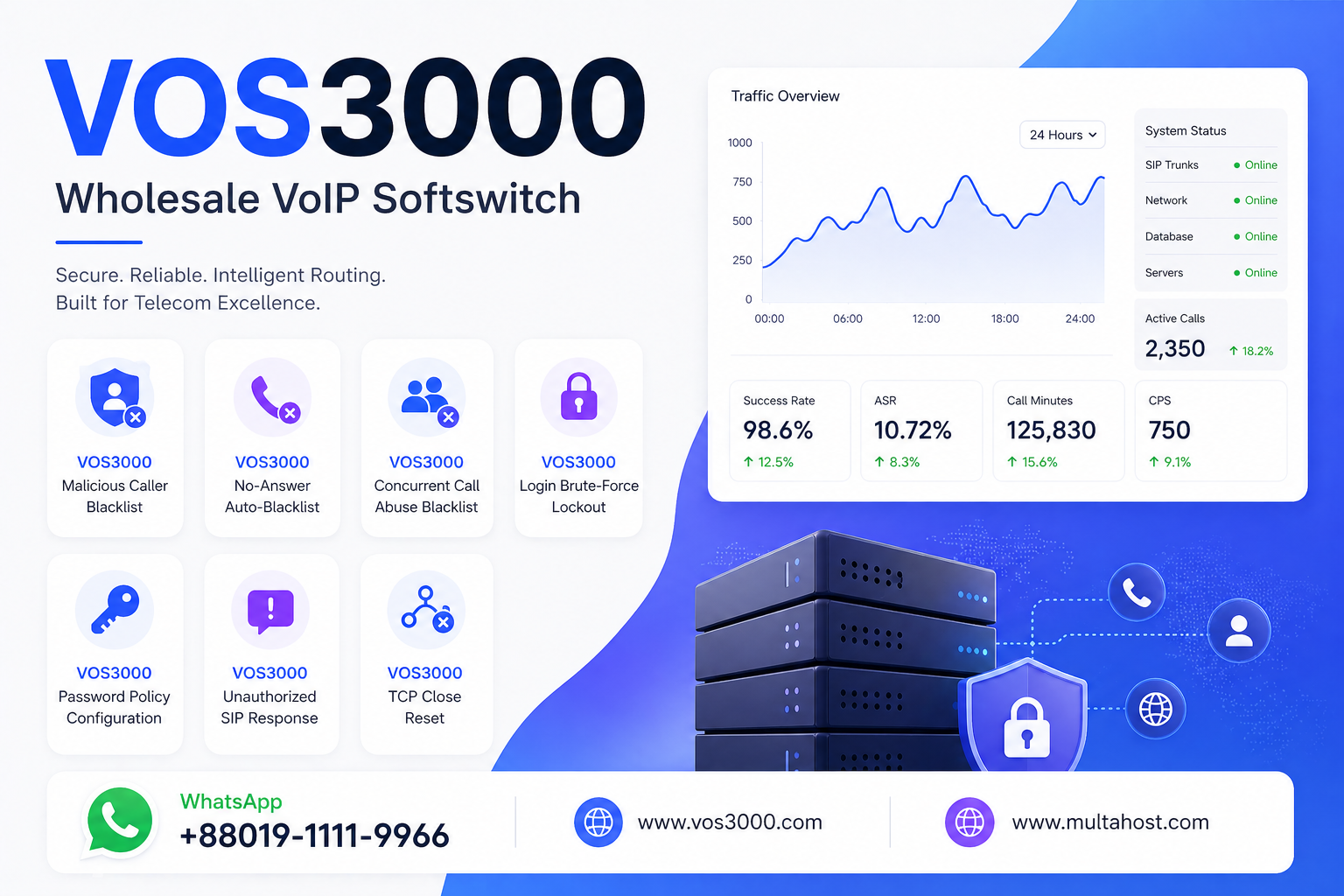
VOS3000 Malicious Caller Blacklist: Effective SS_BLACK_LIST_CALLER_MALICIOUS_CALL
📞 Fraudulent and abusive callers can drain revenue, overload gateway ports, and degrade call quality for legitimate users. The VOS3000 malicious caller blacklist — powered by SS_BLACK_LIST_CALLER_MALICIOUS_CALL parameters — automatically identifies and blocks callers flagged as malicious, providing an essential layer of defense that complements manual blacklisting in your VoIP softswitch deployment. 🛡️
⚙️ Unlike static blacklist entries that require manual configuration for each offending number, the VOS3000 malicious caller blacklist operates dynamically. The softswitch monitors call patterns in real time, and when a caller’s behavior matches the malicious call criteria — such as exceeding a threshold of call attempts within a monitoring window — VOS3000 automatically adds that number to the dynamic blacklist for a configurable duration. This automated response means your system can react to fraud attacks within seconds, even when your operations team is offline. 🔧
🎯 This guide covers every parameter that controls the VOS3000 malicious caller blacklist: SS_BLACK_LIST_CALLER_MALICIOUS_CALL_CHECK_INTERVAL (monitor cycle), SS_BLACK_LIST_CALLER_MALICIOUS_CALL_EXPIRE (block duration), and SS_BLACK_LIST_CALLER_MALICIOUS_CALL_LIMIT (call threshold). We will walk through each parameter’s default value, recommended configuration, and how they work together to protect your VoIP network. Need expert help? WhatsApp us at +8801911119966 for professional VOS3000 security configuration. 📞
Table of Contents
🔐 What Is the VOS3000 Malicious Caller Blacklist?
⏱️ The VOS3000 malicious caller blacklist is a dynamic blacklist system that automatically identifies and blocks caller numbers exhibiting malicious call behavior. According to the official VOS3000 2.1.9.07 manual §4.3.5.2, the malicious caller blacklist is part of the broader dynamic black list feature that also covers no-answer and concurrent call abuse scenarios. The malicious caller type specifically targets numbers that make an excessive number of call attempts within a defined monitoring window. 📞
💡 Why a malicious caller blacklist matters: In wholesale VoIP operations, malicious callers can cause significant financial damage through SIM-box fraud, traffic pumping, and toll fraud schemes. Without automated detection and blocking, these attacks can persist for hours before a human operator notices and intervenes. The VOS3000 malicious caller blacklist eliminates this vulnerability by responding automatically within the configured check interval.
- 📡 Detects callers making excessive call attempts in a short period
- 🔄 Automatically adds flagged numbers to the dynamic blacklist
- 📊 Blocks all subsequent calls from the blacklisted number for the configured duration
- 🛡️ Complements manual blacklist entries for defense-in-depth protection
- 🎯 Operates independently per softswitch node in clustered deployments
📍 Location in VOS3000 Client: Navigation → Number management → Dynamic black list (view only); Configuration via Navigation → Operation management → Softswitch management → Additional settings → System parameter
📋 Dynamic Blacklist Types in VOS3000
🌐 The VOS3000 malicious caller blacklist is one of three dynamic blacklist types. Understanding the differences is essential for comprehensive fraud prevention:
| Blacklist Type | Trigger | Default Expire | Target |
|---|---|---|---|
| 🔴 Malicious Caller | Excessive call attempts within monitor window | 3600 seconds | Calling number (caller) |
| 🟡 No Answer | Repeated no-answer events | 2 days | Called number (callee) |
| 🟠 Concurrent Abuse | Exceeds concurrent call limit | 86400 seconds | Calling number (caller) |
🔑 Key distinction: The malicious caller blacklist targets the calling party — the number originating the excessive calls. The no-answer blacklist targets the called party — numbers that fail to answer. The concurrent abuse blacklist also targets the caller but focuses on simultaneous call volume rather than total call attempts. For broader security, see our dynamic blacklist anti-fraud guide.
⚙️ SS_BLACK_LIST_CALLER_MALICIOUS_CALL Parameters
🔧 The VOS3000 malicious caller blacklist is controlled by three core parameters documented in the official manual §4.3.5.2. These parameters define how the system detects malicious behavior, how long the block lasts, and what threshold triggers the blacklisting.
📋 Parameter 1: Check Interval — SS_BLACK_LIST_CALLER_MALICIOUS_CALL_CHECK_INTERVAL
| Attribute | Value |
|---|---|
| 📌 Parameter Name | SS_BLACK_LIST_CALLER_MALICIOUS_CALL_CHECK_INTERVAL |
| 🔢 Default Value | 600 |
| 📐 Unit | Seconds |
| 📝 Description | Malicious call dynamic caller black list monitor cycle |
💡 How the check interval works: The check interval defines how frequently VOS3000 evaluates caller behavior against the malicious call threshold. With the default of 600 seconds (10 minutes), VOS3000 reviews call counts for each caller number within every 10-minute window. If a caller’s total call attempts during that window exceed the configured limit, the number is added to the dynamic blacklist. A shorter check interval means faster detection but higher CPU usage; a longer interval provides more tolerance before flagging.
📋 Parameter 2: Expire Duration — SS_BLACK_LIST_CALLER_MALICIOUS_CALL_EXPIRE
| Attribute | Value |
|---|---|
| 📌 Parameter Name | SS_BLACK_LIST_CALLER_MALICIOUS_CALL_EXPIRE |
| 🔢 Default Value | 3600 |
| 📐 Unit | Seconds |
| 📝 Description | Malicious call dynamic caller black list expired duration |
💡 How the expire duration works: Once a number is added to the VOS3000 malicious caller blacklist, it remains blocked for the duration specified by this parameter. After the expire duration passes, the number is automatically removed from the dynamic blacklist and can make calls again. The default of 3600 seconds (1 hour) provides a reasonable balance — long enough to stop an active attack but not so long that a legitimate user is permanently blocked after a temporary anomaly. For persistent offenders, you should add them to the static security anti-fraud configuration.
📋 Parameter 3: Call Limit — SS_BLACK_LIST_CALLER_MALICIOUS_CALL_LIMIT
| Attribute | Value |
|---|---|
| 📌 Parameter Name | SS_BLACK_LIST_CALLER_MALICIOUS_CALL_LIMIT |
| 🔢 Default Value | None |
| 📝 Description | Malicious call dynamic caller black list max call times |
⚠️ Critical note: The default value of None means the malicious caller blacklist is effectively disabled by default. You must configure a numeric limit to activate this feature. Without a limit, VOS3000 will never flag any caller as malicious regardless of how many calls they make. This is a common oversight — operators assume the feature is active but never set the limit threshold.
🖥️ How the VOS3000 Malicious Caller Blacklist Detection Works
🔄 Understanding the detection flow is essential for configuring the right thresholds. The VOS3000 malicious caller blacklist uses a sliding window monitoring approach:
📞 VOS3000 Malicious Caller Blacklist Detection Flow:

Caller A makes calls through VOS3000
    │
    ├── Every CHECK_INTERVAL (600s default):
    │   │
    │   ├── Count total call attempts by Caller A
    │   │   in the current monitoring window
    │   │
    │   ├── Compare count against MALICIOUS_CALL_LIMIT
    │   │   │
    │   │   ├── Count < LIMIT  →  ✅ No action
    │   │   │   Caller continues normally
    │   │   │
    │   │   └── Count >= LIMIT  →  🔴 FLAGGED!
    │   │       │
    │   │       ├── Add Caller A to Dynamic Blacklist
    │   │       │   Type: Malicious Call
    │   │       │
    │   │       ├── Block duration = MALICIOUS_CALL_EXPIRE
    │   │       │   (3600s default = 1 hour)
    │   │       │
    │   │       └── All subsequent calls from Caller A
    │   │           are rejected during block period
    │   │
    │   └── After EXPIRE duration passes:
    │       └── Remove Caller A from Dynamic Blacklist
    │           Caller can make calls again
    │
    └── 📊 Entry visible in: Navigation > Number management
        > Dynamic black list
💡 Practical example: If you set SS_BLACK_LIST_CALLER_MALICIOUS_CALL_LIMIT to 100 and SS_BLACK_LIST_CALLER_MALICIOUS_CALL_CHECK_INTERVAL to 600, then any caller making 100 or more call attempts within a 10-minute window will be automatically blacklisted for the configured expire duration. This effectively stops SIM-box operations and automated dialing attacks while allowing normal high-volume legitimate users to continue operating. For related security measures, see our VOS3000 security guide.
📋 Step-by-Step VOS3000 Malicious Caller Blacklist Configuration
🖥️ Follow these steps to configure the VOS3000 malicious caller blacklist, based on the VOS3000 2.1.9.07 manual §4.3.5.2:
Step 1: Access System Parameters 🌐
- 🔐 Log in to VOS3000 Client
- 📌 Navigate: Operation management → Softswitch management → Additional settings → System parameter
- 🔍 Locate the SS_BLACK_LIST_CALLER_MALICIOUS_CALL group in the parameter list
Step 2: Set the Call Limit Threshold 🎯
- 📝 Find SS_BLACK_LIST_CALLER_MALICIOUS_CALL_LIMIT
- ✏️ Set the maximum number of call attempts that triggers blacklisting (e.g., 100 for high-volume, 30 for retail)
- ⚠️ Important: The default is None (disabled). You MUST set a value to activate the feature
Step 3: Configure the Check Interval ⏱️
- 📝 Find SS_BLACK_LIST_CALLER_MALICIOUS_CALL_CHECK_INTERVAL
- ✏️ Set the monitoring window in seconds (default: 600)
- 💡 Shorter intervals detect attacks faster but may flag legitimate burst traffic
Step 4: Set the Expire Duration 🕐
- 📝 Find SS_BLACK_LIST_CALLER_MALICIOUS_CALL_EXPIRE
- ✏️ Set the blacklist duration in seconds (default: 3600)
- 💾 Save and apply the configuration
Step 5: Verify Dynamic Blacklist Entries 🔍
- 📋 Navigate: Number management → Dynamic black list
- 🔍 Check that flagged numbers appear with Type = “Malicious call”
- 📊 Verify the Effective date and Expiration time are correct
🛡️ Recommended VOS3000 Malicious Caller Blacklist Settings by Deployment Type
| Deployment Type | Call Limit | Check Interval | Expire Duration | Rationale |
|---|---|---|---|---|
| 🏢 Retail / Calling Card | 30-50 | 600s | 3600s | ✅ Lower limit; retail users rarely exceed 30 calls/10min |
| 🌐 Wholesale | 100-200 | 600s | 7200s | 🔧 Higher limit for legitimate high-CPS; longer block for fraud |
| 📡 High-CPS Carrier | 300-500 | 300s | 3600s | 📡 Very high limit; shorter interval for faster detection |
| ⚠️ Fraud-Prone Routes | 50 | 300s | 86400s | 🛡️ Aggressive blocking; 24-hour ban for offenders |
💡 Pro tip: Always analyze your normal call patterns before setting the malicious call limit. If your typical wholesale customer makes 80 calls per 10 minutes, setting the limit to 50 would generate false positives. Use the call analysis tools to establish baseline CPS per caller before configuring threshold values. WhatsApp us at +8801911119966 for assistance with threshold tuning. 🔧
🛡️ Common VOS3000 Malicious Caller Blacklist Problems and Solutions
⚠️ Misconfigured malicious caller blacklist settings can either leave your system vulnerable or block legitimate users. Here are the most common problems and their solutions:
❌ Problem 1: Malicious Caller Blacklist Not Working — No Entries in Dynamic Blacklist
🔍 Symptom: Known abusive callers continue making calls, but the dynamic blacklist table shows no entries for malicious calls.
💡 Cause: The SS_BLACK_LIST_CALLER_MALICIOUS_CALL_LIMIT is still set to its default value of None, which effectively disables the feature.
✅ Solutions:
- 🔧 Set SS_BLACK_LIST_CALLER_MALICIOUS_CALL_LIMIT to a numeric value (e.g., 100)
- 📊 Verify the check interval and expire duration are also configured
- 📞 Restart the softswitch service after parameter changes if required by your version
❌ Problem 2: Legitimate High-Volume Callers Getting Blacklisted
🔍 Symptom: Regular wholesale customers are being added to the dynamic blacklist as malicious callers, disrupting their service.
💡 Cause: The call limit threshold is set too low for the actual call volume of your customers, causing false positives.
✅ Solutions:
- 🔧 Increase SS_BLACK_LIST_CALLER_MALICIOUS_CALL_LIMIT to accommodate peak CPS
- 📊 Analyze CDR data to determine the maximum call rate for your top customers
- 📞 Consider adding trusted customer IPs to the illegal call prevention whitelist
❌ Problem 3: Blacklist Entries Expiring Too Quickly — Repeat Offenders Return
🔍 Symptom: A flagged malicious caller is unblocked after a short period and immediately resumes abusive calling patterns.
💡 Cause: The expire duration (SS_BLACK_LIST_CALLER_MALICIOUS_CALL_EXPIRE) is too short for persistent attackers.
✅ Solutions:
- 🔧 Increase the expire duration to 86400 seconds (24 hours) for known fraud routes
- 📊 For persistent offenders, add them to the static blacklist manually
- 📞 Combine with iptables SIP scanner blocking for network-level protection
💡 VOS3000 Malicious Caller Blacklist Best Practices
| Best Practice | Recommendation | Reason |
|---|---|---|
| 📊 Analyze before configuring | Review CDR data for baseline CPS per caller | ✅ Prevents false positives |
| 🔧 Always set a limit | Never leave LIMIT at None in production | 🛡️ Feature is disabled by default |
| 📋 Monitor the blacklist table | Check Dynamic black list daily for entries | 📞 Identifies emerging attack patterns |
| 🔄 Use layered defense | Combine dynamic + static blacklist + firewall | 🛡️ No single measure is sufficient |
| ⏱️ Tune expire duration | Longer for fraud routes, shorter for retail | 🔧 Balances security and accessibility |
| 📈 Test threshold changes | Run test calls after any limit adjustment | 🔍 Verifies no impact on legitimate traffic |
📊 Complete VOS3000 Malicious Caller Blacklist Parameter Reference
📋 Here is the complete reference table for all parameters related to the malicious caller blacklist, sourced from the official VOS3000 2.1.9.07 manual §4.3.5.2:
| Parameter | Default | Unit | Purpose |
|---|---|---|---|
| SS_BLACK_LIST_CALLER_MALICIOUS_CALL_CHECK_INTERVAL | 600 | Seconds | Monitor cycle — how often to evaluate caller behavior |
| SS_BLACK_LIST_CALLER_MALICIOUS_CALL_EXPIRE | 3600 | Seconds | Duration to keep caller in dynamic blacklist |
| SS_BLACK_LIST_CALLER_MALICIOUS_CALL_LIMIT | None | Count | Max call attempts before flagging as malicious |
❓ Frequently Asked Questions
❓ What is the VOS3000 malicious caller blacklist?
⏱️ The VOS3000 malicious caller blacklist is a dynamic, automated blacklist feature that identifies and blocks caller numbers making excessive call attempts within a configurable monitoring window. When a caller exceeds the defined call threshold during the check interval, VOS3000 automatically adds that number to the dynamic blacklist for a configured duration. This feature is controlled by three parameters: SS_BLACK_LIST_CALLER_MALICIOUS_CALL_LIMIT (threshold), SS_BLACK_LIST_CALLER_MALICIOUS_CALL_CHECK_INTERVAL (monitor cycle), and SS_BLACK_LIST_CALLER_MALICIOUS_CALL_EXPIRE (block duration). It is documented in the VOS3000 2.1.9.07 manual §4.3.5.2.
❓ Why is the VOS3000 malicious caller blacklist not working by default?
🔧 The VOS3000 malicious caller blacklist is effectively disabled by default because the SS_BLACK_LIST_CALLER_MALICIOUS_CALL_LIMIT parameter has a default value of None. Without a numeric limit, VOS3000 never flags any caller as malicious regardless of their call volume. To activate the feature, you must set a numeric value for the limit parameter — for example, 100 calls per monitoring window. The check interval (600s) and expire duration (3600s) have functional defaults, but the limit must be explicitly configured.
❓ How does the check interval affect malicious caller detection?
📊 The check interval (SS_BLACK_LIST_CALLER_MALICIOUS_CALL_CHECK_INTERVAL) defines the monitoring window during which VOS3000 counts call attempts per caller. With the default of 600 seconds, the system evaluates each caller’s total calls within every 10-minute period. If a caller makes more calls than the configured limit within any single check interval, they are flagged as malicious. A shorter interval (e.g., 300s) detects attacks faster but may generate false positives during legitimate traffic bursts. A longer interval provides more tolerance.
❓ What happens when a caller is added to the malicious caller blacklist?
🛡️ When a caller is added to the VOS3000 malicious caller blacklist, all subsequent call attempts from that number are rejected by the softswitch. The caller remains blocked for the duration specified by SS_BLACK_LIST_CALLER_MALICIOUS_CALL_EXPIRE (default: 3600 seconds). The blocked entry is visible in the Dynamic black list table under Number management, showing the phone number, type (Malicious call), effective date, and expiration time. Once the expire duration passes, the number is automatically removed and can make calls again.
❓ How is the malicious caller blacklist different from a static blacklist?
📋 The VOS3000 malicious caller blacklist is dynamic — it automatically adds and removes entries based on real-time call behavior, without manual intervention. Entries have an expiration time after which they are automatically deleted. A static blacklist, by contrast, requires manual entry of each number and remains in effect indefinitely until manually removed. The dynamic blacklist is ideal for responding to automated attacks in real time, while the static blacklist is better for permanently blocking known fraud numbers. Both should be used together for comprehensive anti-fraud protection.
❓ Can I adjust the malicious caller blacklist parameters without restarting VOS3000?
⚙️ In most VOS3000 deployments, changes to the system parameters under Softswitch management → Additional settings take effect after saving, without requiring a full service restart. However, some parameter changes may require reloading the softswitch configuration. It is recommended to test parameter changes in a maintenance window and verify the dynamic blacklist entries appear as expected. Always monitor the call termination reasons after configuration changes to ensure legitimate traffic is not affected. For expert assistance, reach us on WhatsApp at +8801911119966. 📞
📞 Need Expert Help with VOS3000 Malicious Caller Blacklist?
🔧 Proper VOS3000 malicious caller blacklist configuration is essential for protecting your VoIP network from fraud, traffic pumping, and abusive calling patterns. Whether you need help setting threshold values, tuning check intervals, or integrating the dynamic blacklist with your overall security strategy, our team is ready to assist. Reach us on WhatsApp at +8801911119966 for professional VOS3000 security configuration and anti-fraud services. 📞
📞 Need Professional VOS3000 Setup Support?
For professional VOS3000 installations and deployment, VOS3000 Server Rental Solution:
📱 WhatsApp: +8801911119966
🌐 Website: www.vos3000.com
🌐 Blog: multahost.com/blog
📥 Downloads: VOS3000 Downloads
 | | |


