










VOS3000 DTMF Modes Configuration Complete Guide Important
Table of Contents
What are VOS3000 DTMF Modes?
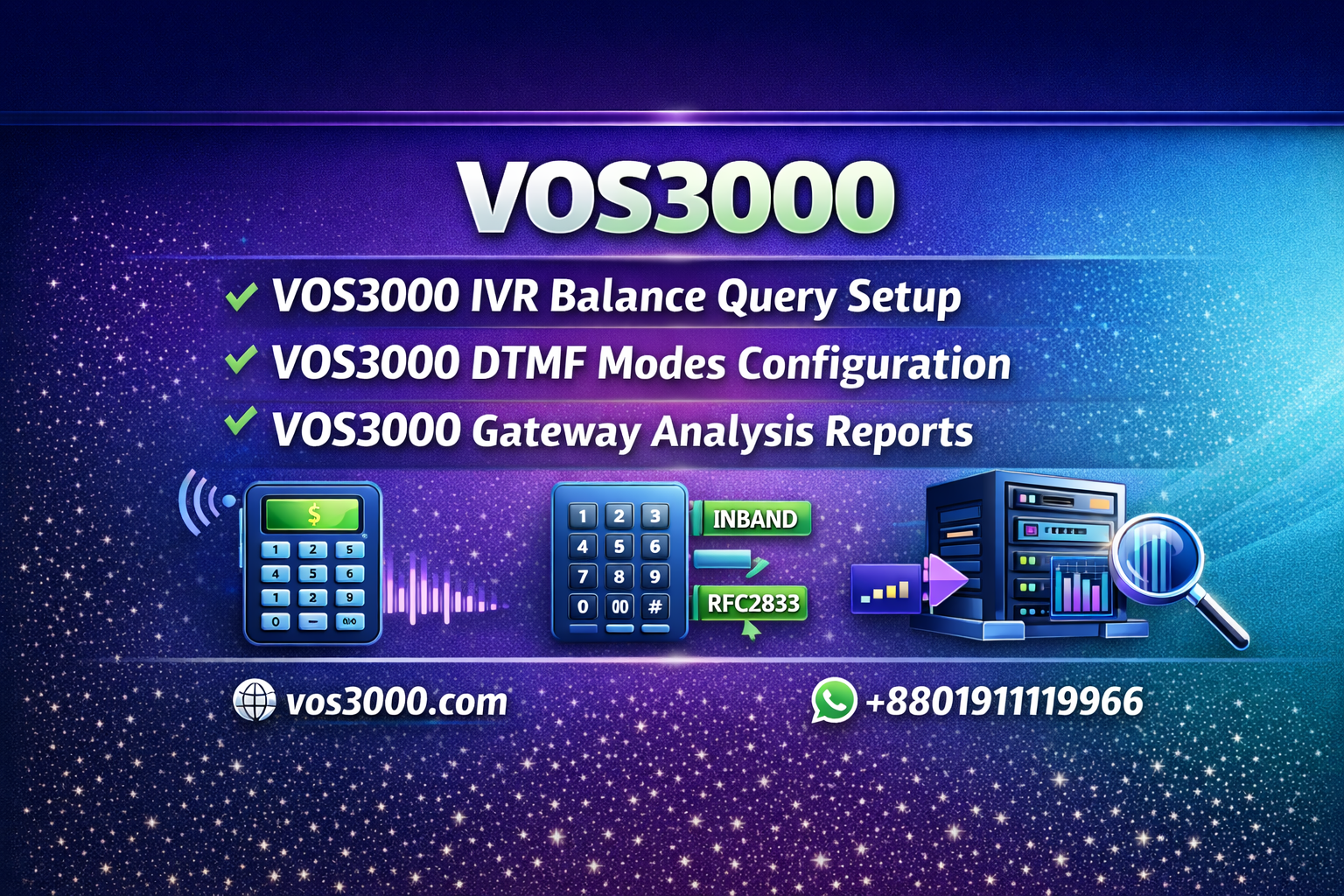
VOS3000 DTMF (Dual-Tone Multi-Frequency) modes define how touch-tone signals are transmitted during VoIP calls. DTMF signals are essential for IVR navigation, voicemail access, calling card services, and any application requiring user input during a call. VOS3000 supports three primary DTMF transmission methods: SIP INFO, RFC2833, and INBAND, each with distinct characteristics and use cases.
Proper DTMF configuration ensures seamless interaction between different VoIP systems and devices. Understanding DTMF modes is essential for troubleshooting, as we cover in our VOS3000 troubleshooting guide.
📋 VOS3000 DTMF Transmission Methods (VOS3000 DTMF Modes)
🔹 SIP INFO Mode
SIP INFO transmits DTMF signals as separate SIP messages within the signaling channel. Each key press generates an INFO message containing the digit information.
- ✅Works without media proxy
- ✅Simple implementation
- ❌May not be supported by all devices
- ❌Timing issues with rapid key presses
🔹 RFC2833 Mode
RFC2833 (now RFC4733) transmits DTMF as special RTP packets within the media stream. This is identified in SDP as a=rtpmap:101 telephone-event/8000.
- ✅Industry standard method
- ✅Best timing accuracy
- ✅Works well with media proxy
- ❌Requires RTP stream to be active
🔹 INBAND Mode
INBAND DTMF encodes tones directly into the audio stream as actual sound frequencies. The receiving end must decode these audio tones.
- ✅Works with any codec
- ✅No special protocol support needed
- ❌Can be distorted by low-bitrate codecs (G729)
- ❌Difficult to detect accurately
⚙️ DTMF Configuration Location
Configure DTMF settings in VOS3000 at:
- 📁Gateway > Additional Settings > Protocol > DTMF
- 📁Phone > Additional Settings > Protocol > DTMF
For understanding protocol settings, see our guide on SIP trunking configuration.
📋 DTMF Configuration Parameters (VOS3000 DTMF Modes)
🔹 DTMF Receive Setting
| Option | Description |
|---|---|
| All | Accept all DTMF types. Once a type is received, only that type is accepted for the call (recommended) |
| SIP INFO | Only accept SIP INFO DTMF |
| RFC2833 | Only accept RFC2833 DTMF |
| INBAND | Only accept INBAND DTMF |
💡 Best Practice: Set DTMF Receive to “All” to maximize compatibility. The system will automatically detect and lock to the first DTMF type received during a call, preventing duplicate detection.
🔹 RFC2833 Specific Settings
| Parameter | Description |
|---|---|
| Payload | The payload type value in RTP for RFC2833 DTMF (default: 101). Must match the SDP negotiation. |
| Use Peer RFC2833 Ability | When checked, RFC2833 capability is determined by peer’s SDP. If unchecked, VOS3000 always declares RFC2833 support. |
🔹 DTMF Send Settings
| Parameter | Protocol | Description |
|---|---|---|
| DTMF Send | H323 | Auto (recommended), RFC2833, or other modes |
| DTMF Send | SIP | Auto (recommended), RFC2833, SIP INFO, or INBAND |
For related protocol configuration, see our callee rewrite rule guide.
🔄 DTMF Mode Conversion (VOS3000 DTMF Modes)
VOS3000 can convert between DTMF modes when media proxy is enabled:
| Received Mode | Configured Send Mode | Action |
|---|---|---|
| RFC2833 | SIP INFO | Convert RFC2833 to SIP INFO |
| SIP INFO | RFC2833 | Convert SIP INFO to RFC2833 |
| RFC2833/SIP INFO | INBAND | Discard original and send as INBAND |
| INBAND | RFC2833/SIP INFO | Pass through INBAND + send converted signal |
🎹 DTMF Configuration Issues?
Our experts can help resolve DTMF compatibility problems between different VoIP systems.
⚙️ IVR DTMF Analysis Parameters
For IVR services that require DTMF input, additional parameters control DTMF detection:
| Parameter | Default | Description |
|---|---|---|
IVR_ENABLE_PARSE_INBAND | Off | Enable INBAND DTMF analysis |
IVR_ENABLE_PARSE_SECOND_INBAND | Off | Enable second line INBAND DTMF analysis |
IVR_PARSE_DTMF_MODE | Auto | DTMF analysis mode |
🔍 DTMF Troubleshooting
📋 Common DTMF Issues
- ❌DTMF not detected: Check if DTMF mode matches between endpoints
- ❌Duplicate digits: Set DTMF Receive to “All” to prevent double detection
- ❌Missing digits: Verify payload type matches in SDP negotiation
- ❌Delayed response: Check network latency and jitter buffer settings
📋 DTMF Troubleshooting Steps
- Verify both endpoints support the same DTMF mode
- Check SDP negotiation for RFC2833 payload type
- Enable signaling trace to capture DTMF messages
- Test with different DTMF modes if issues persist
For comprehensive troubleshooting, see our guide on VOS3000 one-way audio troubleshooting.
📋 Important DTMF Notes (VOS3000 DTMF Modes)
⚠️ Critical Notes:
- When VOS3000 receives both SIP INFO and RFC2833 from the same endpoint, only the first detected DTMF type is processed
- If INBAND is received and RFC2833/SIP INFO is configured for sending, VOS3000 passes through INBAND and sends converted signal
- With media proxy enabled, VOS3000 terminates the received RFC2833 and re-sends according to configured DTMF settings
- Without media proxy, RFC2833 messages are passed through transparently
❓ FAQ – VOS3000 DTMF Modes
Q1: Which DTMF mode should I use?
A: RFC2833 is recommended for most deployments as it’s the industry standard. Set DTMF Receive to “All” and DTMF Send to “Auto” for maximum compatibility.
Q2: Why is DTMF not working with G729 codec?
A: INBAND DTMF can be distorted by low-bitrate codecs like G729. Use RFC2833 or SIP INFO instead, or enable media proxy for DTMF conversion.
Q3: What is the default RFC2833 payload type?
A: The default payload type is 101, but this must match the SDP negotiation between endpoints. VOS3000 can automatically adapt to different payload values.
Q4: Can DTMF work without media proxy?
A: Yes, SIP INFO and RFC2833 work without media proxy. INBAND always works without media proxy since it’s part of the audio stream.
Q5: How do I test DTMF functionality?
A: Call an IVR system or voicemail and press keys. If the system responds correctly, DTMF is working. Use signaling trace to debug issues.
📚 Related Resources
- 📖VOS3000 Official Downloads
- 📖VOS3000 2.1.4.0 Manual
- 📖VOS3000 Call Testing Guide
- 📖Elastix PBX Configuration
🌐 Professional VOS3000 Support
Expert assistance for DTMF configuration and VoIP troubleshooting.
📞 Need Call Center Setup Support?
For professional VOS3000 call center configuration and deployment:
📱 WhatsApp: +8801911119966
🌐 Website: www.vos3000.com
🌐 Blog: multahost.com/blog
📥 Downloads: VOS3000 Downloads
 | | |


