








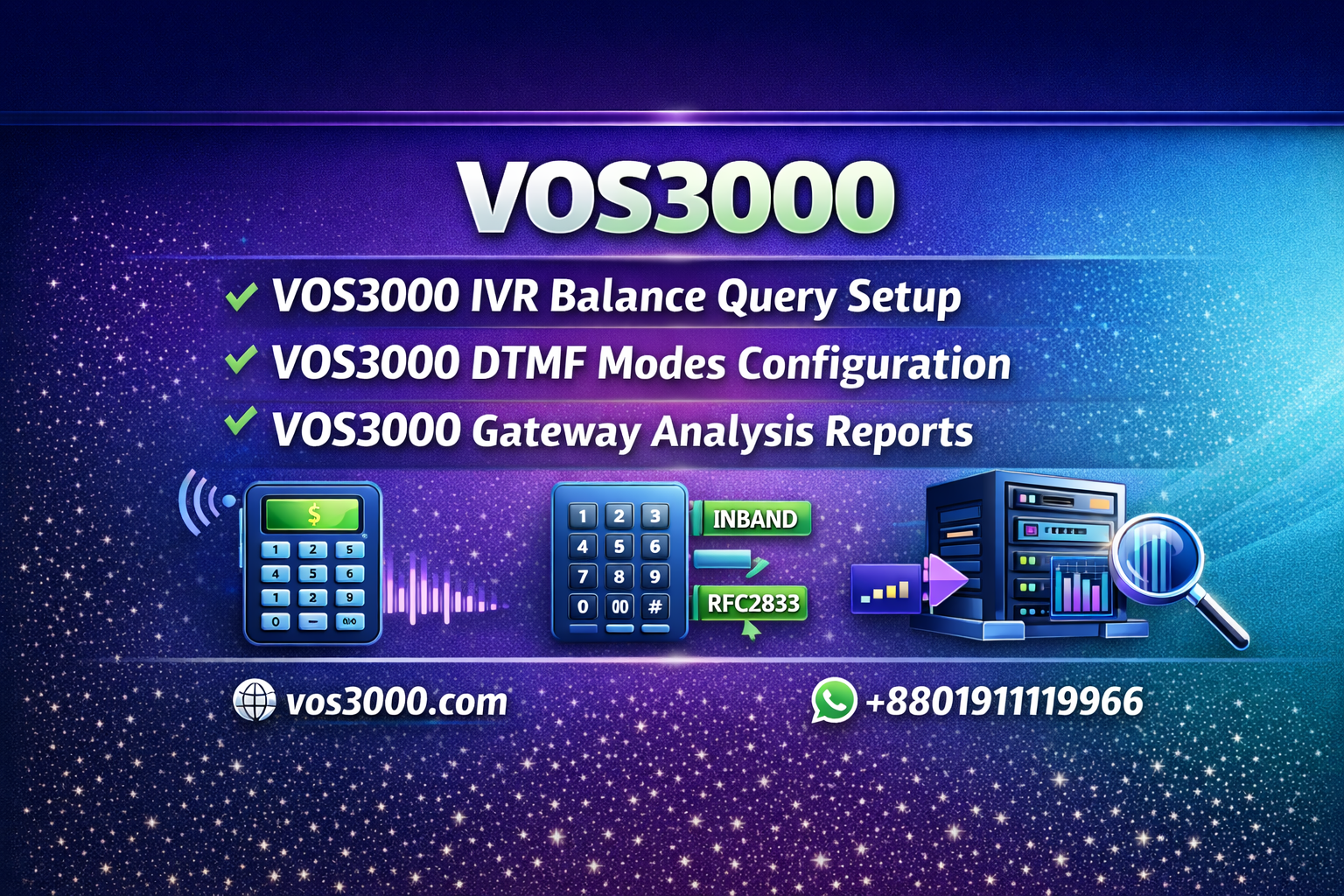
VOS3000 IVR Balance Query Setup Complete Important Guide
Table of Contents
What is VOS3000 IVR Balance Query?
VOS3000 IVR Balance Query is a value-added service feature that allows end-users to check their account balance and perform voice-based recharge through a dedicated phone number. Users simply dial a pre-configured special service number (such as 999) to hear their current balance or complete recharge transactions using voice prompts. This IVR module is part of the VOS3000 Value-Added Services Package and requires the IVR component to be installed and licensed.
The IVR balance query system enhances customer experience by providing self-service account management. For overall VOS3000 configuration, refer to our VOS3000 FAQ guide.
⚙️ IVR Balance Query Configuration Steps
📋 Step 1: Create IVR Account
In the VOS3000 management interface, navigate to Account Management and create a new account for IVR services:
- Create account (example:
ivrtest) - Enter account number and account name
- Select appropriate rate plan
- Click Apply to save
📋 Step 2: Configure Special Service Number
Set up the phone number that users will dial for balance query:
- Go to Business Management > Phone Services > Phone Management
- Create a new phone with the special service number (e.g., 999)
- Associate it with the IVR account created in Step 1
- Click Apply to save
📋 Step 3: Configure System Parameters
In System Parameters, configure the phone as a special service number:
- Set phone 999 as a special service number
- This indicates calls to this number are free for balance query purposes
For understanding rate configuration for IVR prompts, see our VOS3000 prefix settings guide.
📋 Step 4: Configure Phone Settings
In the phone management interface for the IVR number:
- Set Phone Type to Static
- Enter IP Address of the IVR server
- Select Protocol as SIP
- Set Signaling Port to 5065
📋 Step 5: Configure Voice Service
In the Voice Service Configuration page:
- Set Flow Type to Value-Added Services
- Enter Flow Name as
phone - The configured phone number (999) will appear in value-added services flow
💡 Note: The IVR server must be properly installed and configured with the correct voice prompts for balance query and recharge services. Default voice prompts are included with the IVR module.
🔔 Account Balance Alert Configuration – VOS3000 IVR Balance Query
VOS3000 IVR also provides balance alert functionality to notify users when their balance is low:
📋 Balance Alert Parameters
| Parameter | Description |
|---|---|
| SS_ACCOUNTINDICATIONMETHOD | Set to “Prompt Balance” or “Prompt Duration” |
| SS_ACCOUNTINDICATIONMONEY | Threshold amount for balance alert |
| SS_ACCOUNTINDICATIONTIME | Threshold minutes for duration alert |
📋 Enabling Balance Alert on Phone
In Phone Management > Supplementary Services:
- Enable Account Balance Insufficient Alert
- Set the threshold value (e.g., 10 for $10 remaining)
For more on phone configuration, see our VOS3000 PIN and SIP account testing guide.
🎵 Custom Ringback Tone (CRBT) Setup
The IVR module also supports custom ringback tone services for enterprise customers:
📋 CRBT Configuration
- Upload custom ringback audio file to the IVR server
- In Phone Management > Supplementary Services
- Enable Ringback Tone Service
- Enter the uploaded audio file name
💡 Enterprise Use Case: Corporate customers can have custom welcome messages played to callers, enhancing brand image and professional appearance.
📞 Call Failure Announcement – VOS3000 IVR Balance Query
VOS3000 IVR can announce call failure reasons to improve user experience:
📋 Enabling Failure Announcement
- In Phone Management > Supplementary Services
- Enable Unreachable Voice Prompt
- System has built-in error messages mapped to cause codes
For understanding call termination reasons, see our guide on NoAvailableRouter error troubleshooting.
📞 Need IVR Module Installation Support?
Our team provides complete IVR setup and configuration services.
icemail Voice Mail Service
The IVR module includes voice mail functionality for unanswered calls:
📋 Voice Mail Parameters
| Parameter | Default | Description |
|---|---|---|
IVR_VOICEMAIL_EXPIRE_DAY | 7 | Voice mail retention days |
IVR_VOICEMAIL_MAX_NUMBER | 10 | Maximum voice mail items |
IVR_VOICEMAIL_MAX_TIME | 60 | Maximum recording length (seconds) |
IVR_VOICEMAILWELCOME | voicemailwelcome | Default welcome audio file |
📋 Voice Mail User Controls
- #️⃣Press #: Listen to next message
- 0️⃣Press 0: Return to main menu
- ⭐Press **: Replay current message
- 🎧Press *2: Hear caller number (during playback)
- 🗑️Press *1: Delete message (during playback)
⚙️ IVR System Parameters Reference – VOS3000 IVR Balance Query
| Parameter | Default | Description |
|---|---|---|
IVR_SOFTSWITCH_IP | – | IP Address of Softswitch |
IVR_SOFTSWITCH_SIP_PORT | 5060 | SIP signaling port |
IVR_RTP_PORT | 40000,47999 | RTP media port range |
IVR_RINGING_TIMEOUT | 120 | No answer timeout (seconds) |
IVR_SETUP_TIMEOUT | 20 | INVITE timeout duration |
IVR_MEDIA_CHECK_TIME_OUT | 2 | No media timeout (minutes) |
For understanding port configuration, see our guide on changing VOS3000 web port.
❓ FAQ – VOS3000 IVR Balance Query
Q1: What number should I use for balance query service?
A: Common choices are 999, 888, or other short numbers that don’t conflict with your dialing plan. Ensure the number is set as a special service number in system parameters.
Q2: Can users recharge their account via IVR?
A: Yes, users can enter recharge card PINs through voice prompts to add balance to their accounts. The recharge card must be valid and active in the system.
Q3: How do I customize IVR voice prompts?
A: Voice prompt files are stored on the IVR server. You can replace default audio files with custom recordings in supported audio formats.
Q4: Does IVR require a separate server?
A: The IVR module can run on the same server as VOS3000 or on a dedicated server. For high-traffic deployments, a dedicated IVR server is recommended.
Q5: How do I troubleshoot IVR not responding?
A: Check IVR server connectivity, verify SIP signaling port (5065), ensure voice files exist, and check IVR process status on the server.
📚 Related Resources
- 📖VOS3000 Official Downloads
- 📖VOS3000 Web API Manual
- 📖Access VOS3000 from Mobile
- 📖VOS3000 Buyer’s Guide
🌐 Professional VOS3000 IVR Configuration
Complete IVR module setup with custom voice prompts and features.
📞 Need Call Center Setup Support?
For professional VOS3000 call center configuration and deployment:
📱 WhatsApp: +8801911119966
🌐 Website: www.vos3000.com
🌐 Blog: multahost.com/blog
📥 Downloads: VOS3000 Downloads
 | | |


